 Cue
Cue
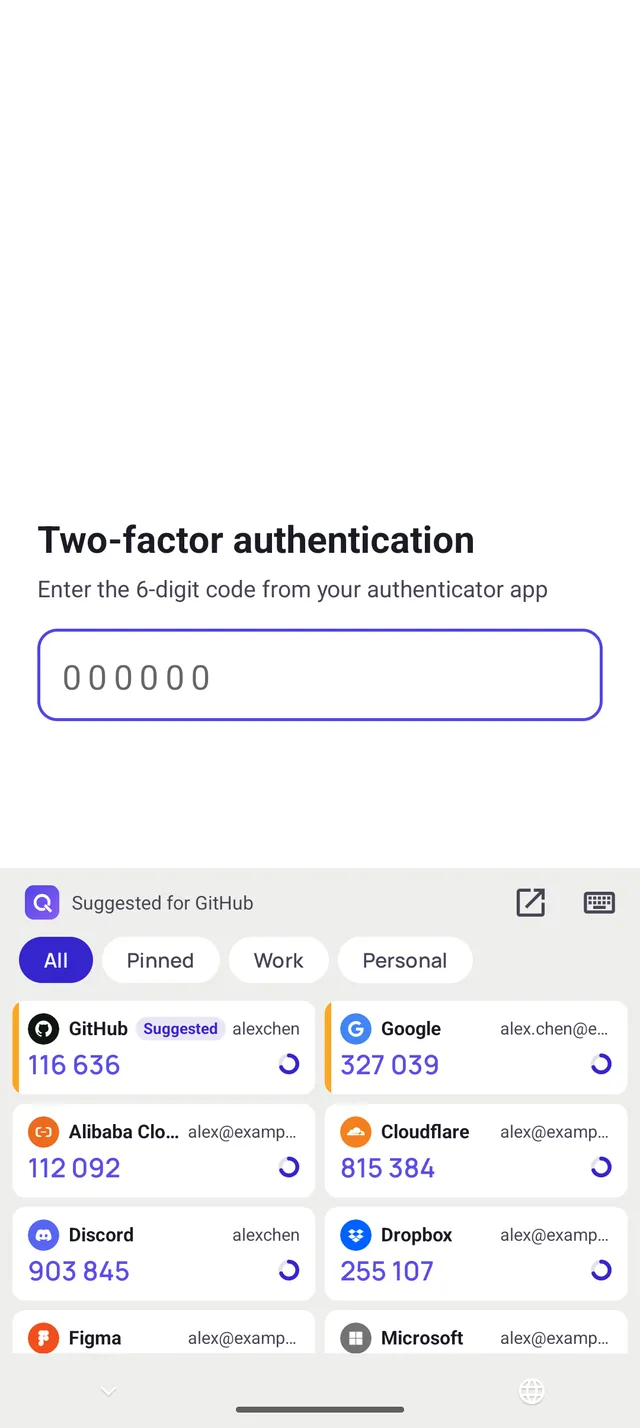
Cue keyboard
When a site asks for a code, switch to the Cue keyboard and tap the code to insert it. On Android it then switches back to your usual keyboard. When the app you're in matches an entry, that entry comes first, marked Suggested.
Cue is a two-factor authentication app. In any app, switch to the Cue keyboard and tap a code to insert it. On iPhone, AutoFill offers the code above the keyboard. No app switching, no memorising six digits.
For Android 6.0 and later, and iPhone with iOS 18 and later.
A demo entry with a real code: it changes every 30 seconds, turns red in the last 7, and copies when you tap it.
Open the authenticator, find the account, remember six digits, switch back. Cue skips all of that.
When a site asks for a code, switch to the Cue keyboard and tap the code to insert it. On Android it then switches back to your usual keyboard. When the app you're in matches an entry, that entry comes first, marked Suggested.
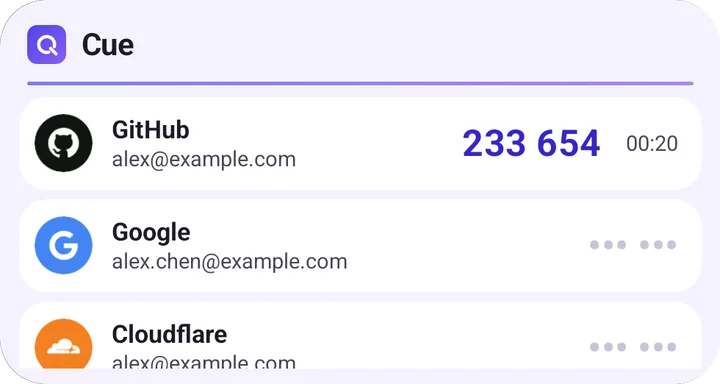
Keep your pinned entries, or the ones you pick, on the home screen. Codes stay hidden until you need them; on Android, tap one to show it.
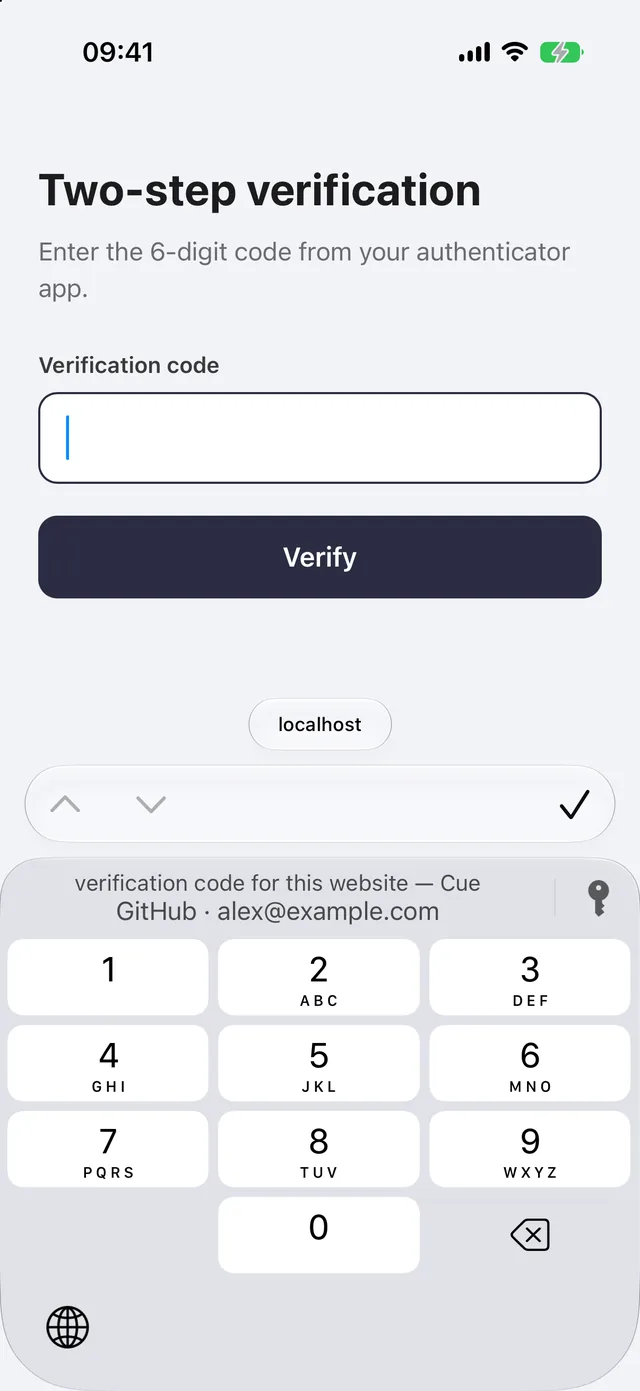
Tap a code field in Safari or another app and the code for that website appears above the keyboard. Give an entry its website and Cue matches it.

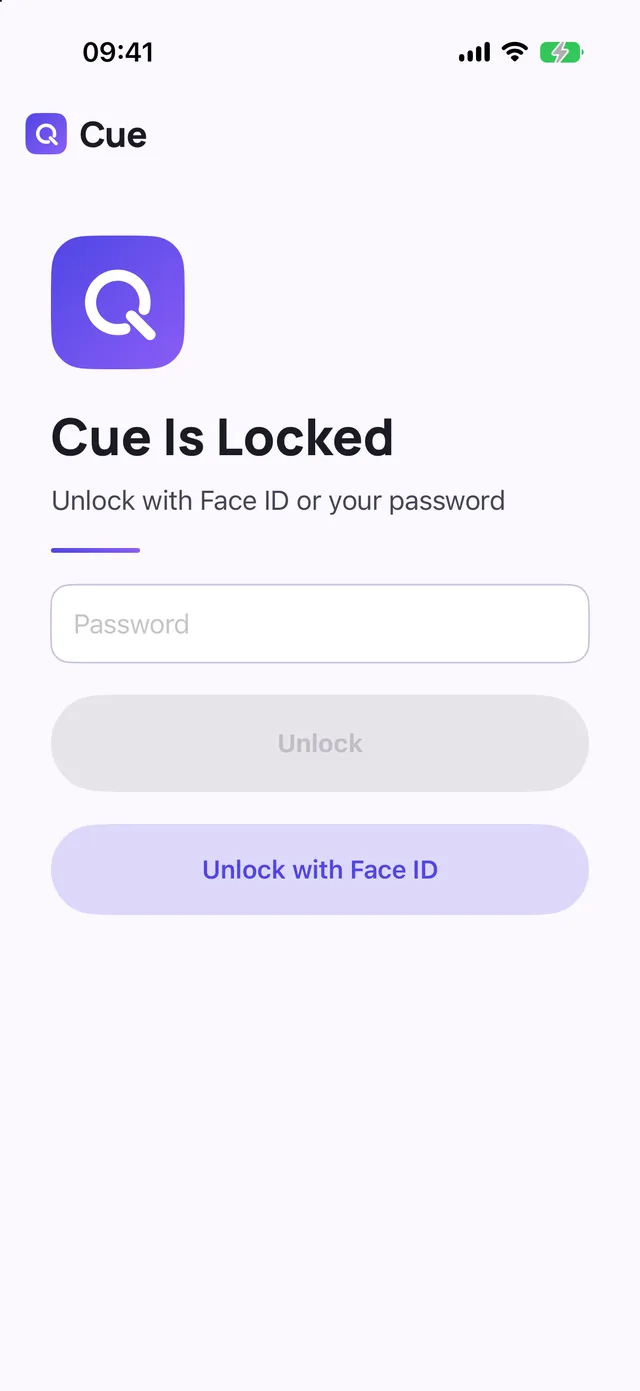
Cue collects no data at all.
Cue for Android is a modified version of Aegis Authenticator, released under the GNU GPL v3, with the source of every release on GitHub. The vault format is documented, and Cue opens Aegis vaults and backups as they are.
Cue for iPhone is a separate Swift app that reads and writes the same vault file, written from the same format document.

Android 6.0 and later
Coming soon.
Until then, you can build it from source as the README describes.
iOS 18 and later
Coming soon to the App Store.
The download link will be here once it's out.